Two shells. Useful space inside.
The matching front and rear enclose the display, two carrier rails, a fixed battery tray and space for two speakers. Four rear screws keep the internals accessible. There is no separate battery hatch.

PORTABLE R45 / OPEN HARDWARE
A rounded purple pod, a simple white stand and room to make it yours. Lift the display out, change its stand or add a pair of ears. The electronics stay together inside the body.
Current public snapshot · 30 October 2026 · Prototype CAD
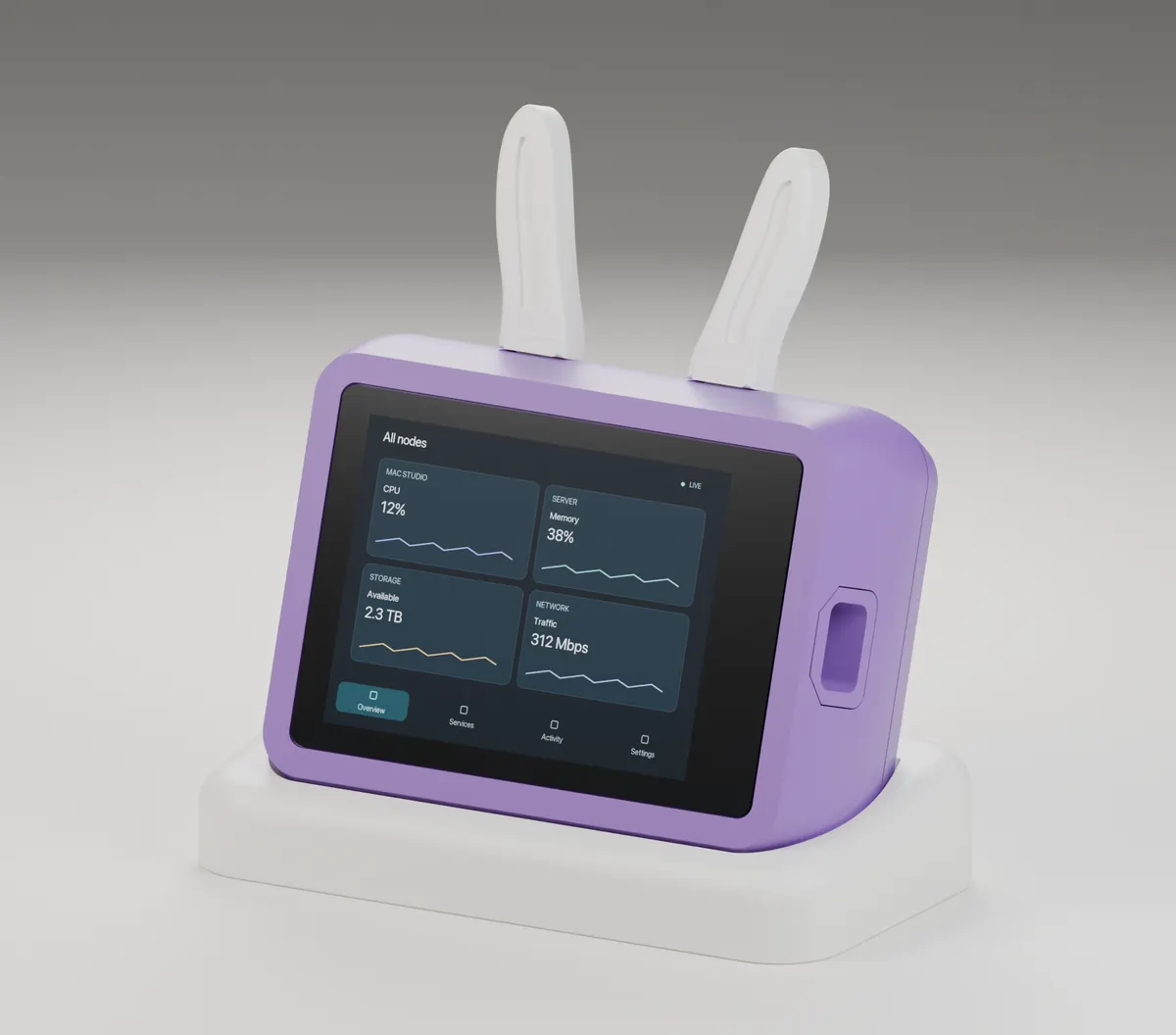
ONE POD. TWO WAYS TO PLACE IT.
The matching front and rear enclose the display, two carrier rails, a fixed battery tray and space for two speakers. Four rear screws keep the internals accessible. There is no separate battery hatch.
Separate white stands cradle the housing without locking it down. The landscape stand has a continuous front edge and a hidden button-clearance well. Lift the pod out when you need to reach its BAT_PWR button.
Swap between white bunny ears, TV antennas and eyes. Keyed sockets work in either orientation; four curved plugs close the unused sockets. The current stems have shallow grip ribs to improve retention.
The portrait stand is a mechanical option. Its printed fit and a matching portrait firmware layout need their own checks. Accessory grip and wear depend on the actual print.
LOOK CLOSER
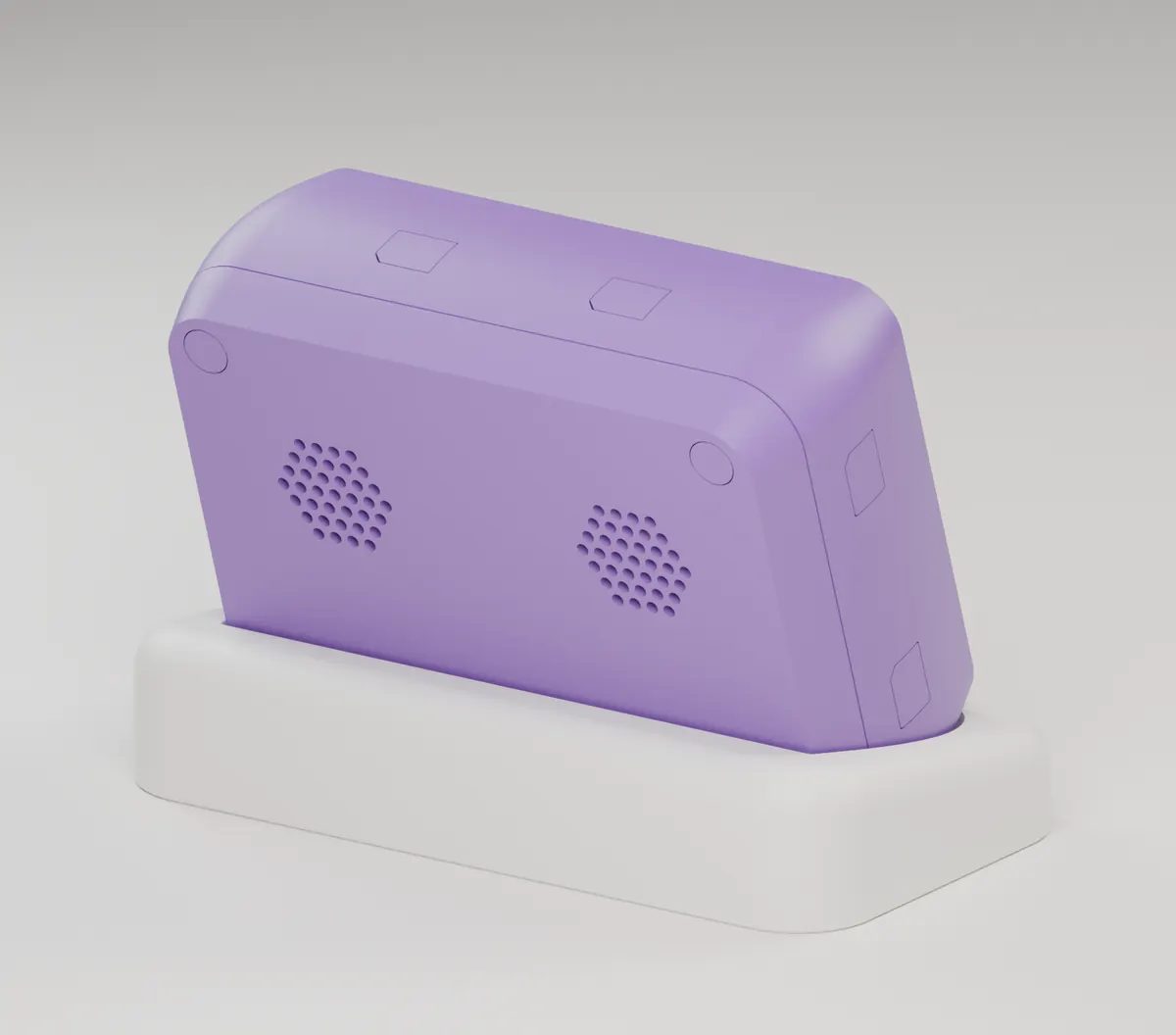
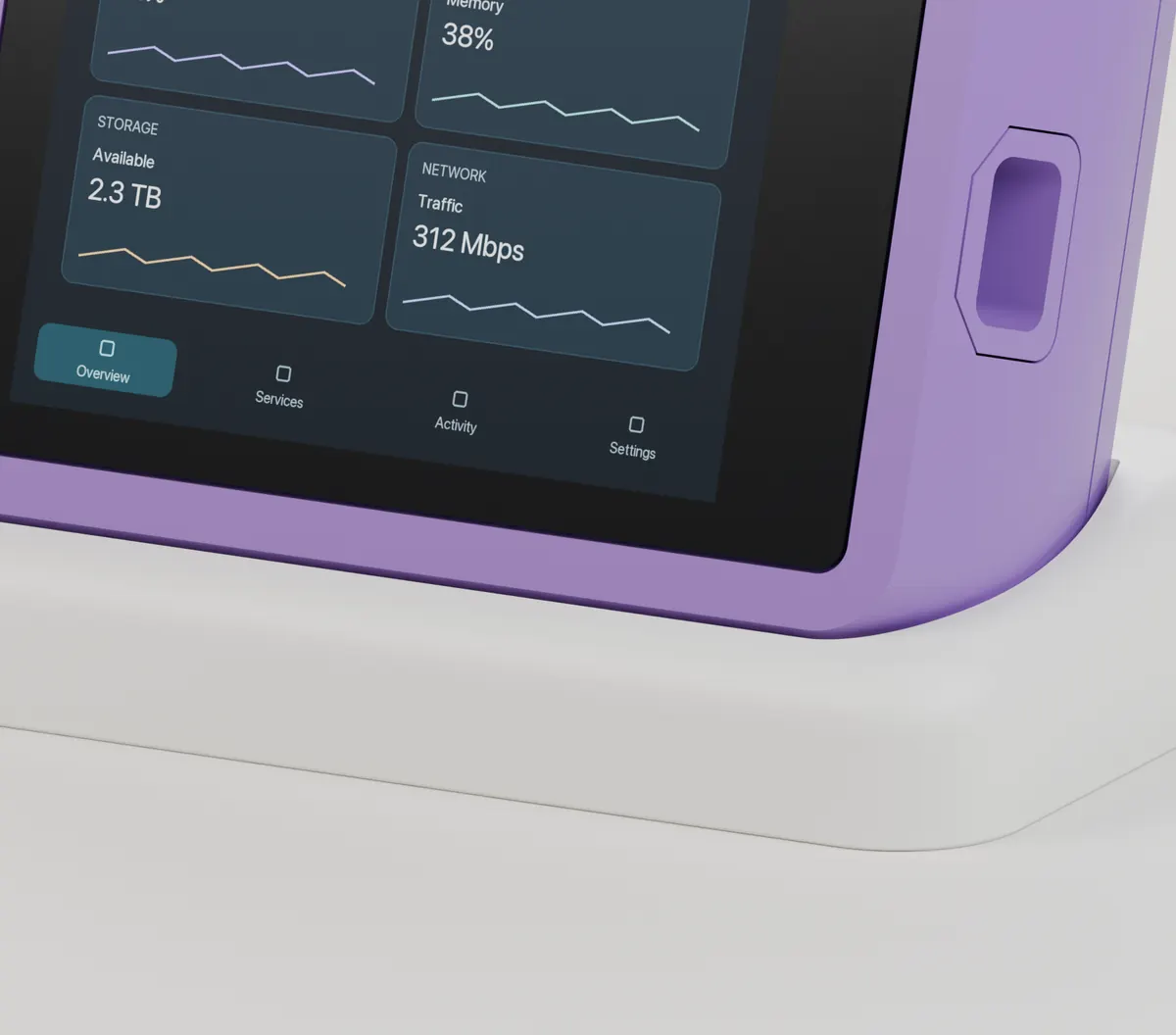
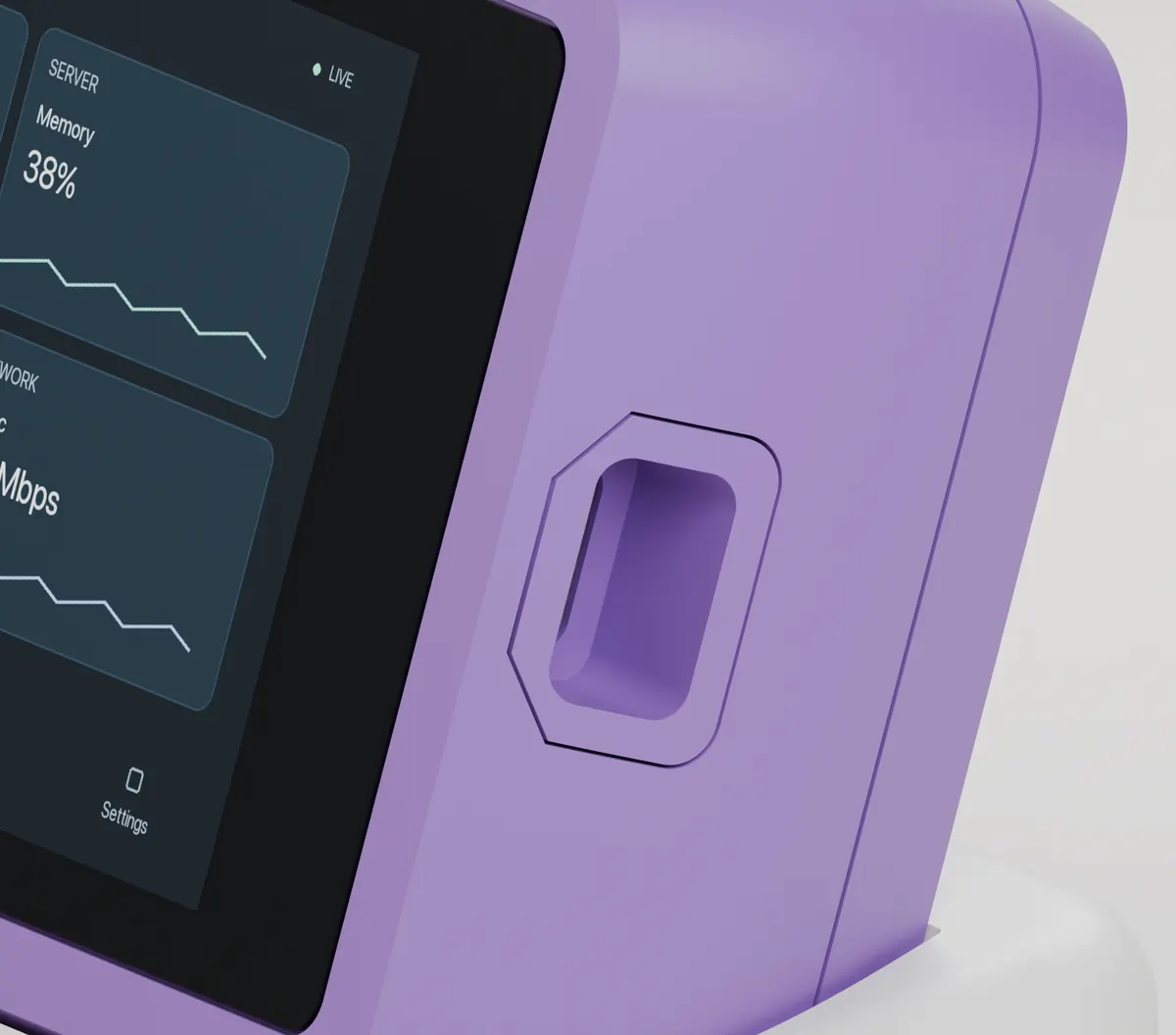
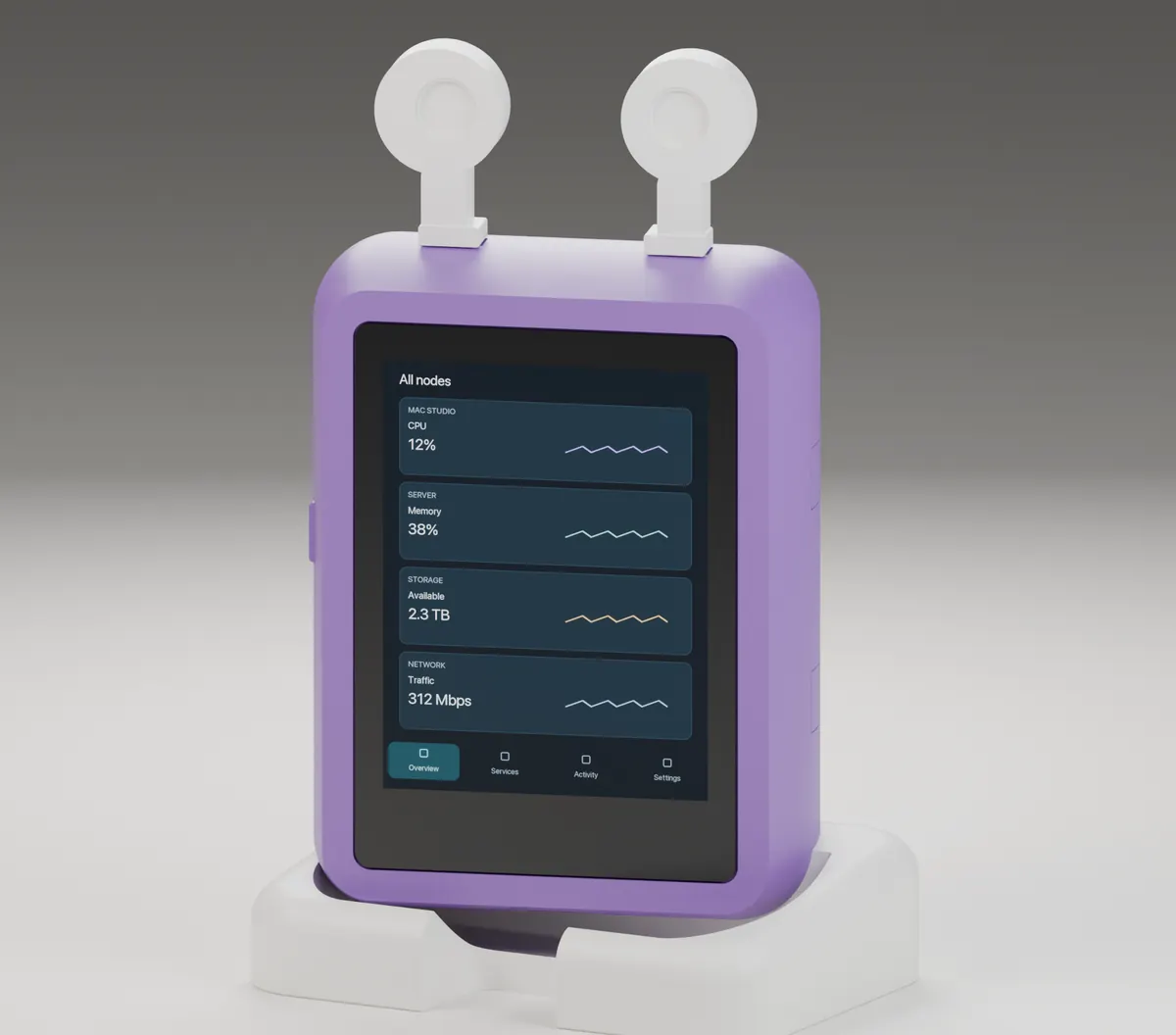
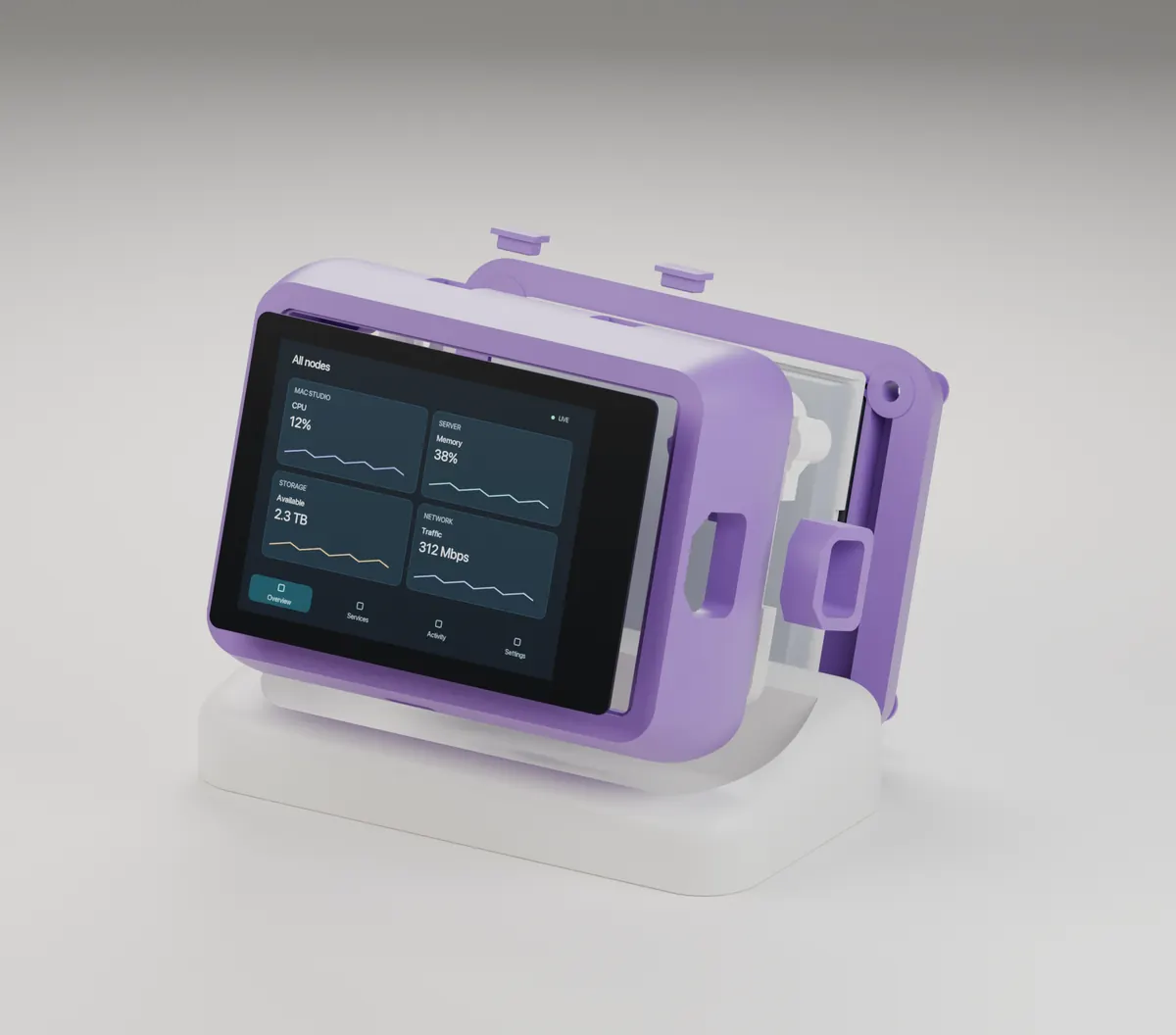
These are renders from the released geometry, rather than photographs of an assembled product. The interactive model uses generic hardware envelopes.
BUILD YOUR OWN
Matching body shells, USB-C tunnel, carrier rails, tray, one-piece button, screw caps, both stands and the ten accessory parts.
Browse print files ↗Part inventory and dimensionsAnalytic solids and surfaces for direct editing, plus an assembly of the original enclosure parts. The files preserve geometry rather than a parametric feature history.
Browse editable CAD ↗Rotate, inspect and explode the modelPortable layouts retain current geometry and authored process settings. Select your printer, nozzle and filament, then slice and inspect; these are not ready-to-run G-code.
Browse print projects ↗Layout and support notesThe working firmware targets the Waveshare ESP32-S3-Touch-LCD-2.8 V1, with ST7789 display, CST328 touch, 16 MiB flash and 8 MiB PSRAM. The case exposes the board’s own USB-C port. V2 uses a different touch controller; the V1 image and this enclosure do not establish V2 compatibility.
The current BAT_PWR button is one printed piece with small return springs and fixed glue tabs. Dry-fit it against the actual board switch, then bond only its fixed inside-wall tabs. Keep the spring arms free so the switch can click and return. The two carrier rails locate the display using its factory mounting posts.
The mechanical layout reserves a 60.5 × 50.2 × 7.4 mm battery envelope and two 30 × 20 × 4.7 mm speaker envelopes. The battery tray fixes to the rear shell; speaker frames sit beside the rear grilles. Padding, a soft retaining strap and clear lead routes are part of assembly.
USB remains the starting point for setup. Before battery operation, check the actual pack, board, connector polarity and charging configuration. The measured space does not qualify an interchangeable battery or its electrical setup. Firmware battery indication is approximate voltage, not a runtime or charging-state guarantee.
The source work used PLA with a 0.4 mm nozzle. Review the notes for support placement and clear fitting surfaces carefully. The accessory layout includes an 8 mm outside brim on every piece. Personal printer profiles, connection data, macros and G-code are excluded from the portable layouts.